COMPUTER DEPOT Customer and staff portals — Available Shortly.
Computer Depot
Employees and Managers PortalAvailable Shortly · Test workspace only
636-978-0900 ↗

COMPUTER REPAIR. PERSONAL ATTENTION.

Get back to
what matters.

Some repairs can be completed in one day or less.

When your computer slows you down, start with a clear conversation. Computer Depot helps you understand the problem—and the next step.

01 / A BETTER START

Your computer. Your questions.
A repair plan you can understand.

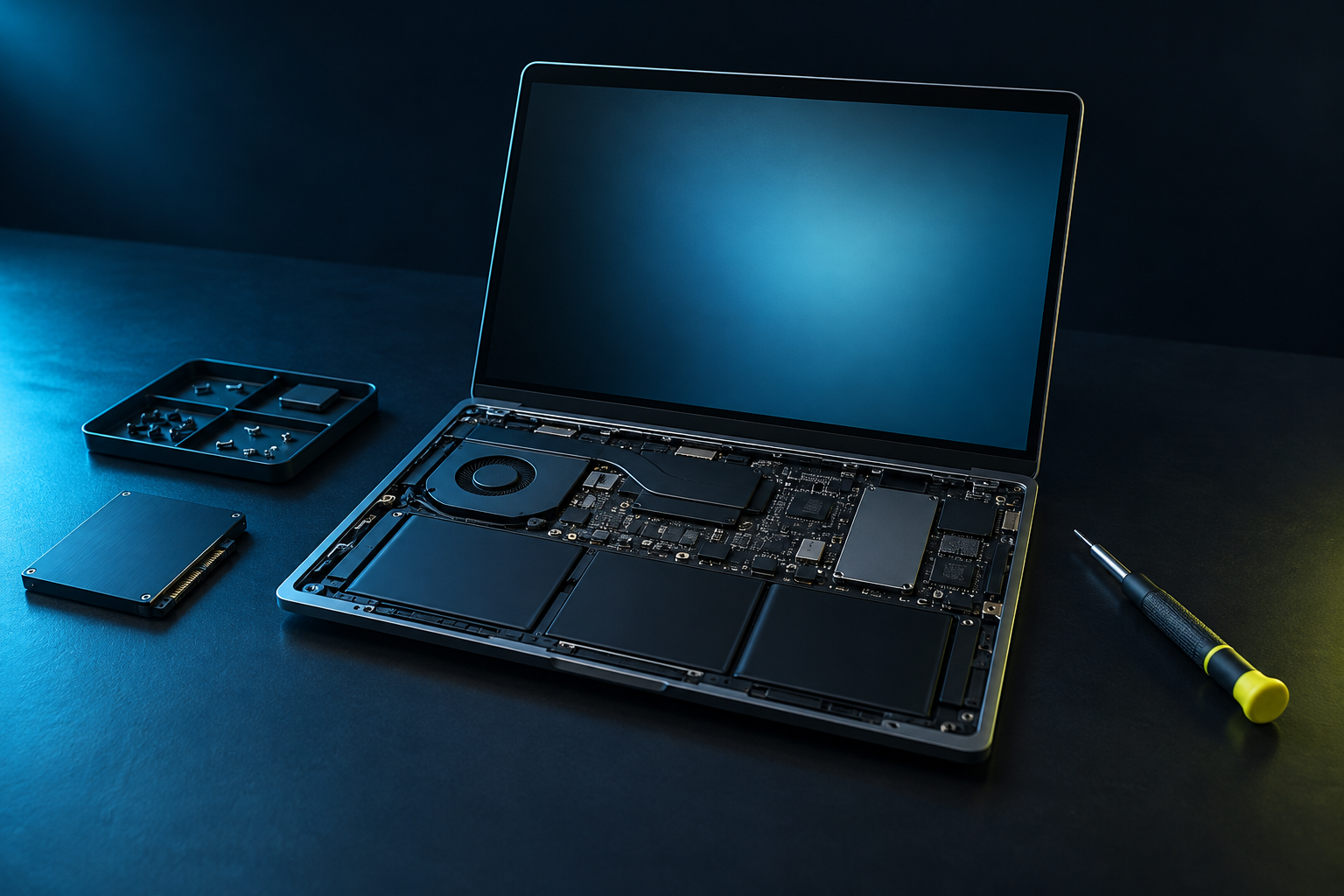
Original Computer Depot brand illustration of a laptop and precision repair tools on a dark workbench
CARE IN EVERY DETAILCOMPUTER DEPOT
Laptops & desktops✳Clear repair estimates✳A place to ask questions✳Repair service first

01 / SERVICES

Expert help for
your computer.

Explore our repair services below. Your technician will explain what your computer needs and discuss the repair options with you.

Laptop Screen Replacement

Removal of the damaged laptop screen, followed by the installation of a brand new compatible laptop screen.

Laptop Keyboard Replacement

Removal of the damaged laptop keyboard, followed by the installation of a brand new compatible laptop keyboard.

Cleanup / Tuneup

Unnecessary or malicious programs and apps running in the operating system’s background are removed. Virus and malware scans are performed, along with proprietary Computer Depot software and hardware scans.

The computer’s interior is physically cleaned, including the power supply, motherboard, internal fans, radiators, RAM, video cards, sound cards and other installed peripherals. The exterior case is also thoroughly cleaned.

Laptops receive similar cleaning, including a thorough cleaning of the screen.

RAM Replacement

RAM is tested for proper function. Non-functioning RAM is replaced with brand new compatible RAM, then retested and confirmed to be functioning properly.

Hard Drive Replacement

Hard drives are thoroughly tested for proper function. If a drive has failed, we can recover data from many damaged drives, depending on the type and extent of the damage.

When replacement is needed, a brand new compatible hard drive is installed, along with a compatible operating system of your choice. Any successfully recovered data from the failed drive is copied to the new drive.

Upgrading to a larger drive? We can transfer your current operating system and personal data, including pictures, documents, music, videos and additional desktop folders you need.

Diagnostic assessment

Won’t start? Unexpected errors? Begin with an assessment of the problem and your repair options.

Performance & upgrades

Explore ways to improve a slow computer, including suitable memory and storage upgrades.

Software & setup

Get help with operating-system issues, unwanted software and getting your computer set up for use.

Many specialized services are also available. Our technicians will discuss these with you to address your unique repair situation. No work or services will be performed without your approval.

02 / OUR APPROACH

Less uncertainty.
More clarity.

A repair should make sense to you. Here’s the path from the first conversation to getting your computer back.

Start a conversation ↗
  1. 01

    Tell us what’s wrong.

    Share the symptoms, your device type and what you need your computer to do.

  2. 02

    Understand your options.

    Review the findings, proposed work and estimate before authorizing the repair.

  3. 03

    Stay connected.

    We’ll explain the next steps and how to receive updates as your repair moves forward.
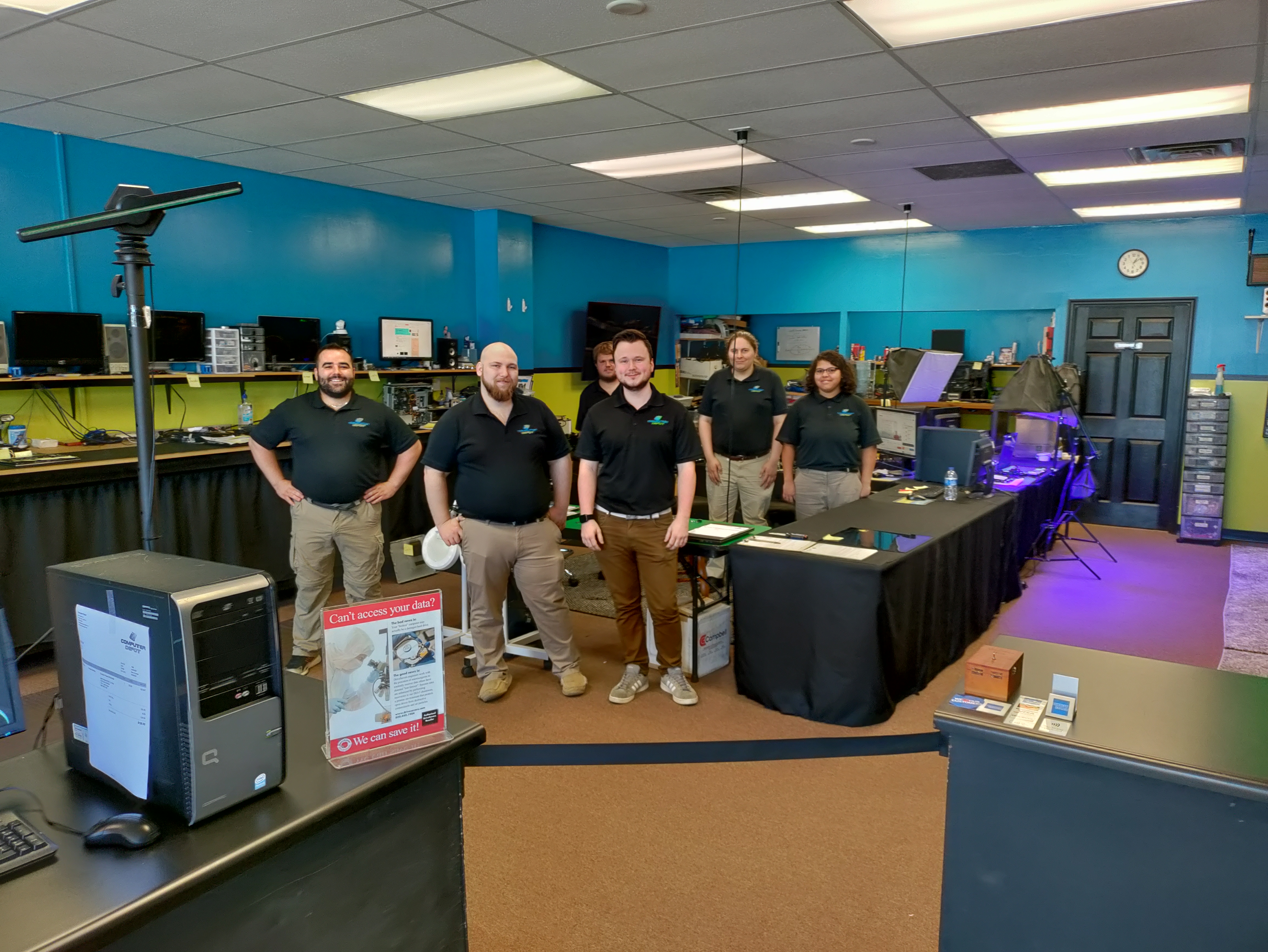
Computer Depot team together in the workshop

THE PEOPLE BEHIND THE REPAIR

Technology matters.
People come first.

Behind every computer is something important to its owner. Work. Family photos. The everyday things that need to get done.

Meet Computer Depot—a place to talk through the problem, ask questions and understand your options.

Talk with our team ↗

03 / STAY CONNECTED

Your repair.
Within reach.

One starting point for customers and the Computer Depot team.

CUSTOMERS

Your customer account

Repair updates, estimates, invoices and messages — Available Shortly.
Online repair requests with photo attachments — Available Shortly.
Online payments and optional technician tips — Available Shortly.

Need help now? Call 636-978-0900 ↗
EMPLOYEES & MANAGERS

Computer Depot ServiceOS

Staff access for managing repairs and serving customers. Authorized team accounts only.

Employees and Managers Portal Available ShortlyAvailable Shortly. This link currently opens the test workspace only; production staff access is not yet enabled.

A FEW GOOD QUESTIONS

Before you bring it in.

How do I start a repair?

Call 636-978-0900 or email support@gocomputerdepot.com. Tell us your computer type and the symptoms. Contact us for intake arrangements before travelling.

What should I include in my message?

Describe the computer problem, when it started and any error message. Do not include passwords, patient information, medical records or screenshots containing sensitive information.

How will I know what repairs are needed?

Your technician will assess your computer, explain any issues found and discuss the recommended work and estimate with you before you authorize the repair.

Where will the store be?

Our first store’s address and opening details will be announced here when they are ready. Please call us for current arrangements.

LET’S GET YOU MOVING AGAIN

Your next step
starts with a call.

636-978-0900 ↗

Prefer to write? support@gocomputerdepot.com